

Smart home hub setup is now more confusing than ever in 2025, with multiple protocols, incomplete compatibility, and a fast-evolving Matter standard. This guide cuts through the noise, so you avoid expensive mistakes and frustrating dead-ends with your connected devices.
Key Takeaways
- Matter has improved device interoperability, but no single smart home hub supports the entire specification yet—check your devices and firmware before buying.
- Integrating legacy Zigbee and Z-Wave devices remains the top challenge; expect to need protocol bridges or dual hubs for full coverage.
- Security and privacy policies differ across Apple, Amazon, Google, and third-party hubs—local control and updates make a real difference for sensitive automations.
- The Core Concept: Why Smart Home Hub Setup Still Matters in 2025
- Step-by-Step Guide: Setting Up a Future-Proof Smart Home Hub
- Advanced Analysis & Common Pitfalls to Avoid
- Conclusion: Building a Resilient, Flexible Smart Home
- Frequently Asked Questions
The Core Concept: Why Smart Home Hub Setup Still Matters in 2025
A robust smart home hub setup acts as the command center of your connected home, letting you control, automate, and expand your devices on one or more platforms.
Despite advances like the Matter protocol (which promises device interoperability across Apple Home, Google Home, Amazon Alexa, and others), the market remains fragmented.
No consumer hub supports every device category or automation, and legacy Zigbee or Z-Wave hardware often needs expensive bridges.
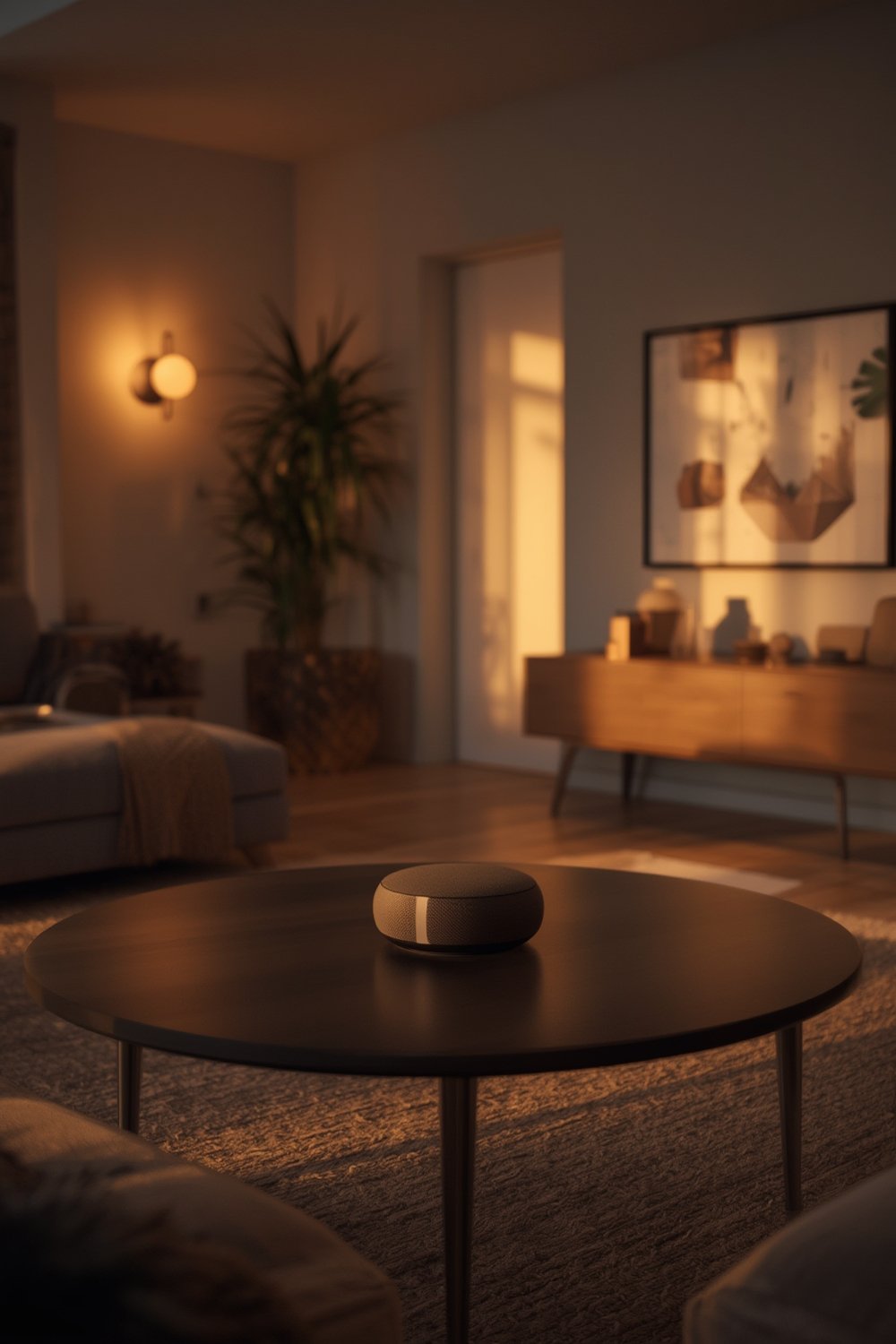
Matter 1.5 is the latest standard (as of early 2026), aimed at unifying smart devices across brands, but implementation varies. Samsung SmartThings leads with rapid adoption, while Apple focuses on stable Thread and Wi-Fi support. Alexa integrates Matter 1.4 in select Echo models, and Google Home offers Matter through newer Nest Hubs, but coverage is still inconsistent [source].
Setting up your hub correctly means fewer headaches, better security, and less wasted money. The right planning helps integrate smart thermostats, lights, locks, and even energy upgrades like heat pump water heaters and EV chargers.
Step-by-Step Guide: Setting Up a Future-Proof Smart Home Hub
Ready to cut through the chaos? Here’s how to set up a flexible smart home hub in 2025, balancing new Matter standards with legacy device integration.
-
Pick Your Hub Platform—Start With Your Core Ecosystem
Choose the system (Apple Home, Google Home, Amazon Alexa, or SmartThings) that fits your devices, privacy style, and voice assistant. Apple Home offers robust privacy and multi-admin support. SmartThings handles the most protocols natively, including rapid Matter 1.5 updates [source]. Alexa and Google Home offer Matter/Thread on newer hubs but not on all models. For power users: Home Assistant and Aqara G5 Pro/M3 offer strong bridging. -
Inventory Your Devices By Protocol
Identify which devices are Matter-certified and which rely on Zigbee, Z-Wave, Wi-Fi, or proprietary systems. Devices running Zigbee or Z-Wave normally need a compatible bridge or hub. See also: Matter-bridging Aqara hubs. -
Connect and Update Your Hub(s)
Plug in your chosen hub and ensure it’s updated to the latest firmware. This is critical for Matter support—older firmware breaks integrations, especially for new device types. Some hubs require mobile app setup, while others offer a web interface. -
Add Devices: Prioritize Matter/Thread Where Possible
Pair new devices via Matter for the fastest, most stable connection. If your devices use Thread, make sure the hub or a device in your system acts as a Thread border router. Pair Zigbee/Z-Wave devices via a compatible bridge, such as the Aqara USB-Hub E1 or Zemismart M1. -
Automate and Test
Set up basic automations (e.g., all-off routines, energy-saving modes) within your hub’s app. Then, test for lag, missed triggers, or device dropouts. For advanced automation (like integrating solar battery backup, thermostats, or custom schedules), explore what Matter supports—and fall back to proprietary routines where necessary. -
Troubleshoot & Document
Keep track of which devices have pairing issues—often legacy Zigbee bulbs, pre-2020 thermostats, or cloud-tied “works with Google/Alexa” devices. Document what works and fails. Share findings in Home Assistant or Reddit forums for real-world advice.
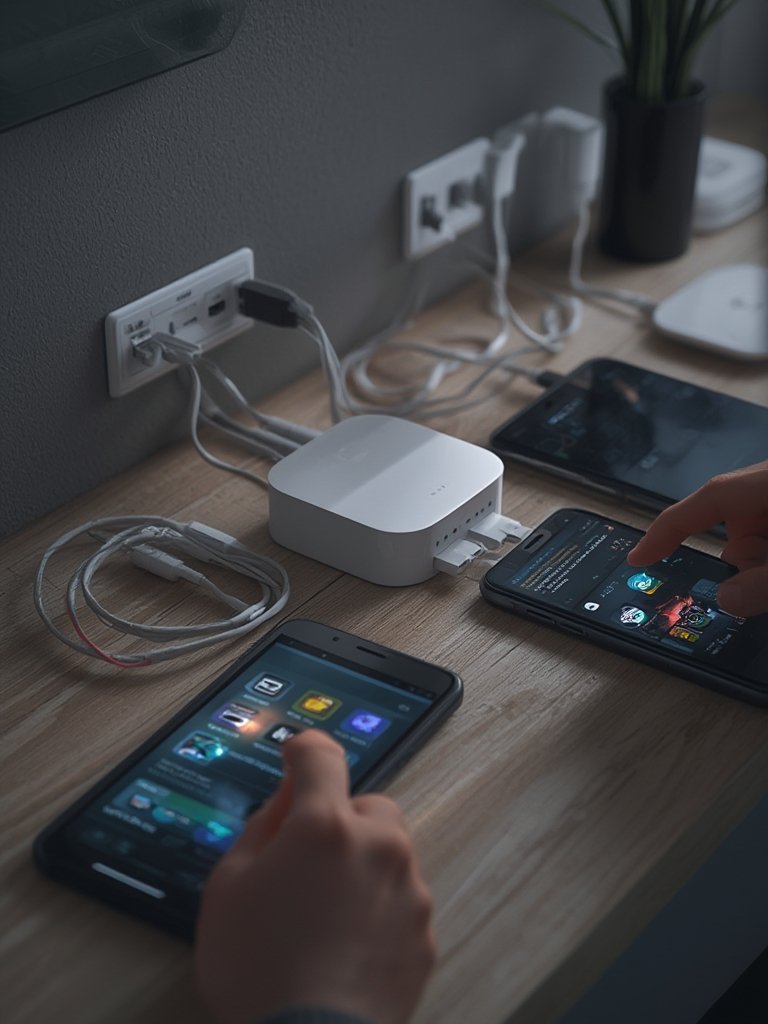
Remember, even the best setup can require tweaks—especially if you add automation for upgrades like air source heat pumps or whole home generator backup in the future.
Advanced Analysis & Common Pitfalls to Avoid
Despite the promise of Matter, setup pain points still frustrate users. Here’s what to watch for, based on 2025 research and community feedback:
- Incomplete Matter Adoption: No platform yet supports every Matter category. Samsung SmartThings leads for adoption speed, Apple Home emphasizes privacy, and Alexa adds local control, but most hubs don’t offer the full experience. Expect gaps—especially with cameras, alarms, or energy/storage integrations [source].
- Legacy Device Bridge Overload: Most homes still run Zigbee or Z-Wave products—these need bridging, which can add lag or fail if the hub mixes multiple radios (a known issue in older SmartThings hardware) [source].
- Firmware & Vendor Fragmentation: Manufacturers release Matter or Thread updates unevenly. Older hubs might never get full support, especially pre-2020 units. Always check for up-to-date firmware and avoid “end of support” models.
- Ecosystem Lock-In Still Exists: Starter kits are notorious for only working with the included hub or platform. If you switch assistants or upgrade your hub, these kits can lose features or become paperweights—especially for Z-Wave. IKEA’s new Matter/Thread lineup hints at improvement, but compatibility is still evolving.
- Inconsistent Automation Results: Not all devices play nicely together, even over Matter. Expect some automations to break when mixing and matching brands or protocols.
| Hub Model | Processor / SoC | Key Supported Protocols | 2025 Performance Notables |
|---|---|---|---|
| Aqara G5 Pro | Not Specified | Matter, Thread, Zigbee, IR Blaster | Bridges legacy Zigbee/Thread; strong for renters and multi-ecosystem users. |
| Samsung SmartThings Hub 2 (2025) | Upgraded SoC, more RAM | Zigbee, Thread (no Z-Wave) | Fastest Matter 1.5 rollout; dedicated radios reduce lag. |
| Amazon Echo Dot Max (2025) | Not Specified | Wi-Fi, Thread, Matter 1.4 SDK | Low-latency local control; only some Echo models supported. |
| Aqara M3 | Not Specified | Matter, Thread, Zigbee | Future-proof updates; border router for Thread networks. |
Budgeting for full automation is hazy—most starter kits do not include smart thermostats, bridges, or advanced energy automation. Expect added costs if integrating whole home generator options or considering thermal upgrades like spray foam insulation.
Finally, security and privacy are not created equal. Apple and Home Assistant prioritize local control, with Apple Home shining for privacy-first automations. Aqara’s latest bridges feature encrypted local storage and onboard AI processing. Amazon Alexa’s local Matter support reduces cloud dependence but relies on correct firmware. Google’s policies are less transparent, and specifics on local vs. cloud data handling can be hard to confirm [source].
Conclusion: Building a Resilient, Flexible Smart Home
Smart home hub setup in 2025 is about strategy, not just plug-and-play convenience. Choose your core platform wisely, know your protocol bridges, and keep firmware updated. Expect glitches—no single hub or brand does it all. If you future-proof now, adding new services or energy solutions (like solar battery backup) gets easier, not harder. Review your setup yearly, document what works, and stay tuned to platform updates. Your smart home hub setup defines how smooth your automation journey will be. Ready to start? Compare your hubs, check compatibility, and build a system that lasts.
Frequently Asked Questions
Is Matter fully supported across all smart home hubs in 2025?
No. As of 2025, no single system fully supports every Matter 1.5 category. Samsung SmartThings is fastest with updates. Apple Home is strong on Thread/Wi-Fi, and Alexa supports Matter 1.4 on some models. Legacy devices often need bridging. Learn more.
Can I use my old Zigbee and Z-Wave devices in a new Matter-based setup?
Usually, yes—but you’ll need a compatible bridge or hub for Zigbee/Z-Wave conversion. Aqara, Hubitat, and some SmartThings hubs can help, but expect to buy additional hardware or run dual hubs. Check device and hub compatibility.
What is the best hub for privacy and local control?
Apple Home excels for privacy in Thread/Matter use, and Home Assistant provides the most transparent, local-first control. Some third-party hubs like Aqara G5 Pro offer encrypted local storage as well.
Why do my automations break after a firmware update?
Manufacturers roll out Matter/Thread updates unevenly, and older hubs might lose support. Some automations rely on cloud integrations or secondary bridges that don’t synchronize well with new standards. Always backup and review compatibility after updates.
How much does a complete smart home hub setup cost in 2025?
There is no standard price. Basic kits (Matter/Thread) are affordable, but adding smart thermostats, Z-Wave bridges, energy monitoring, and automation upgrades (like solar or generator integration) increases costs. Prices change quickly—get quotes for required bridges and pro installation if needed.